OnePlus has started rolling out the Open Beta, based on Android 12, for OnePlus Nord 2 users. Users can participate in their Open Beta program and all the participants should update Open Beta to the latest version to meet the latest upcoming build.
Also, note that some functionality of the Pac-Man edition may be lost, so it is recommended that OnePlus Nord 2 Pac-Man Edition customers skip this update and wait for the next version to arrive.
OnePlus Nord was released in July 2021 with Android 11 out-of-the-box.
Please keep in mind that this is a beta version of the program. These builds do not have the same level of stability as the official OTAs. There can be some risks associated with the installation of the beta version of the program.
Stable Release: the OnePlus Nord 2 recently got the latest April 2022 Security Patch with A.20 Build which had bought changes in the security and a peculiar fix in Facebook videos based on OxygenOS 11.3 with Android 11.
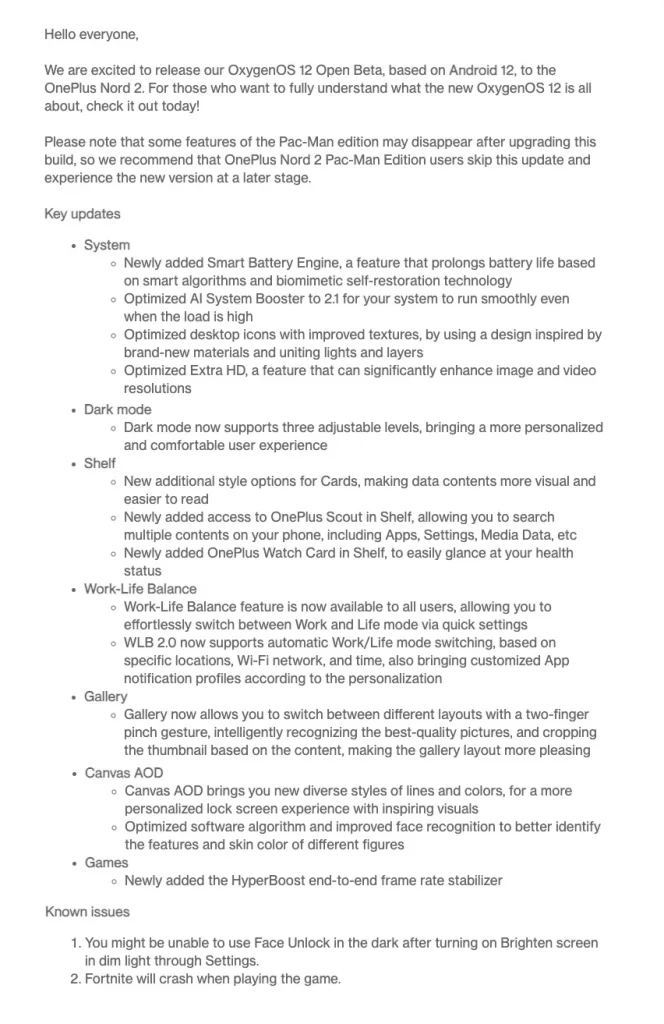
Newly added Smart Battery Engine, a feature that prolongs battery life based on smart algorithms and biomimetic self-restoration technology
Optimized AI System Booster to 2.1 for your system to run smoothly even when the load is high
Optimized desktop icons with improved textures, by using a design inspired by brand-new materials and uniting lights and layers
Optimized Extra HD, a feature that can significantly enhance image and video resolutions
Dark mode
Dark mode now supports three adjustable levels, bringing a more personalized and comfortable user experience
Shelf
New additional style options for Cards, making data contents more visual and easier to read
Newly added access to OnePlus Scout in Shelf, allowing you to search multiple contents on your phone, including Apps, Settings, Media Data, etc
Newly added OnePlus Watch Card in Shelf, to easily glance at your health status
Work-Life Balance
Work-Life Balance feature is now available to all users, allowing you to effortlessly switch between Work and Life mode via quick settings
WLB 2.0 now supports automatic Work/Life mode switching, based on specific locations, Wi-Fi network, and time, also bringing customized App notification profiles according to the personalization
Gallery
Gallery now allows you to switch between different layouts with a two-finger pinch gesture, intelligently recognizing the best-quality pictures, and cropping the thumbnail based on the content, making the gallery layout more pleasing
Canvas AOD
Canvas AOD brings you new diverse styles of lines and colors, for a more personalized lock screen experience with inspiring visuals
Optimized software algorithm and improved face recognition to better identify the features and skin color of different figures
Games
Newly added the HyperBoost end-to-end frame rate stabilizer
Known Issues
You might be unable to use Face Unlock in the dark after turning on Brighten screen in dim light through Settings.
Fortnite will crash when playing the game.
How long did OnePlus take for the major OS updates?
Android OS
Update
Release Date/Status
Estimated Months
Android 11
Out-of-the-box
July 2021
Nil
Android 12
First OS update
Open Beta
Expected 2022
Android 13
Second OS update
Eligible
Unconfirmed
Android Roadmap(OnePlus Nord 2)
How long will it get updates?
The OnePlus Nord 2 has received one major OS update with Android 11. The Open Beta program has been released by the company and the stable version will be released later in 2022. It is expected to come by June or July but it is just an expectation.
OnePlus will give two years of major OS updates and three years of Security updates.
Android 13 will probably be the last major OS update on the device.
Out-of-the-box: Android 11
First Update: Android 12 [Open Beta]
Second Update: Android 13
How to update your OnePlus device with the latest Software Update?
OnePlus Nord 2 Open Beta program is rolling out and the participants will be able to access the features of this version and the subsequent build to come in the future.
Once the update is available on your device, you can head over to Settings >> About Phone >> Software Update section to update your OnePlus device with the latest update.
Note
This instruction is only for OnePlus Nord, and please make sure the battery level is above 30% and a minimum of 3GB of available storage space before flashing the build.